
If you can read your current EGR email via Round Cube or Flying Squirrelmail, these instructions are applicable.
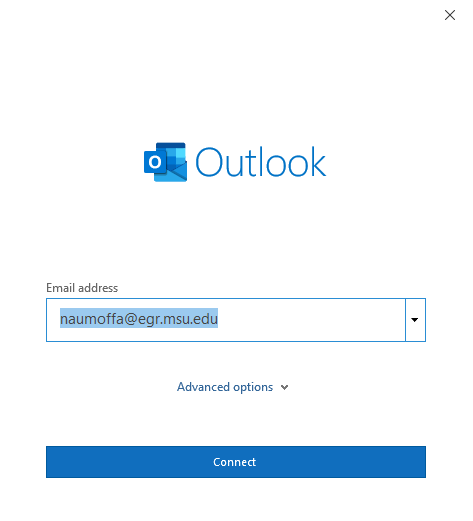
Launch Outlook. When the Startup Wizard opens enter your EGR email and press Connect.
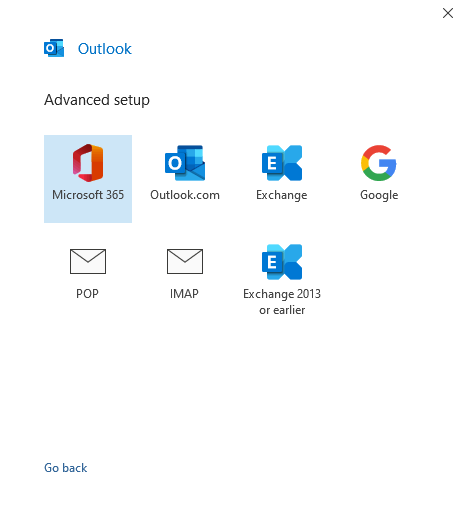
To set up your email account through Outlook, select the IMAP option for advanced setup.
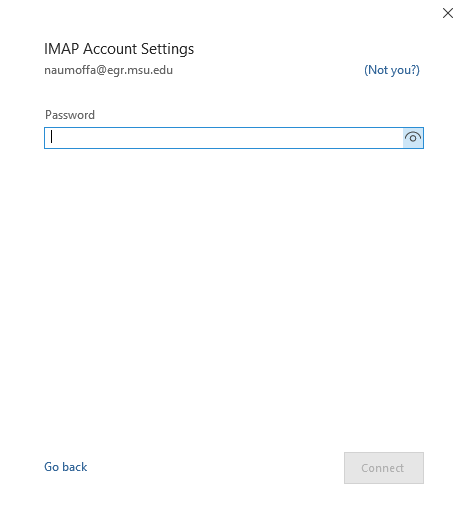
After selecting IMAP as you server option enter your EGR password.
- Now, you should be able to access your EGR email from the Outlook client.